


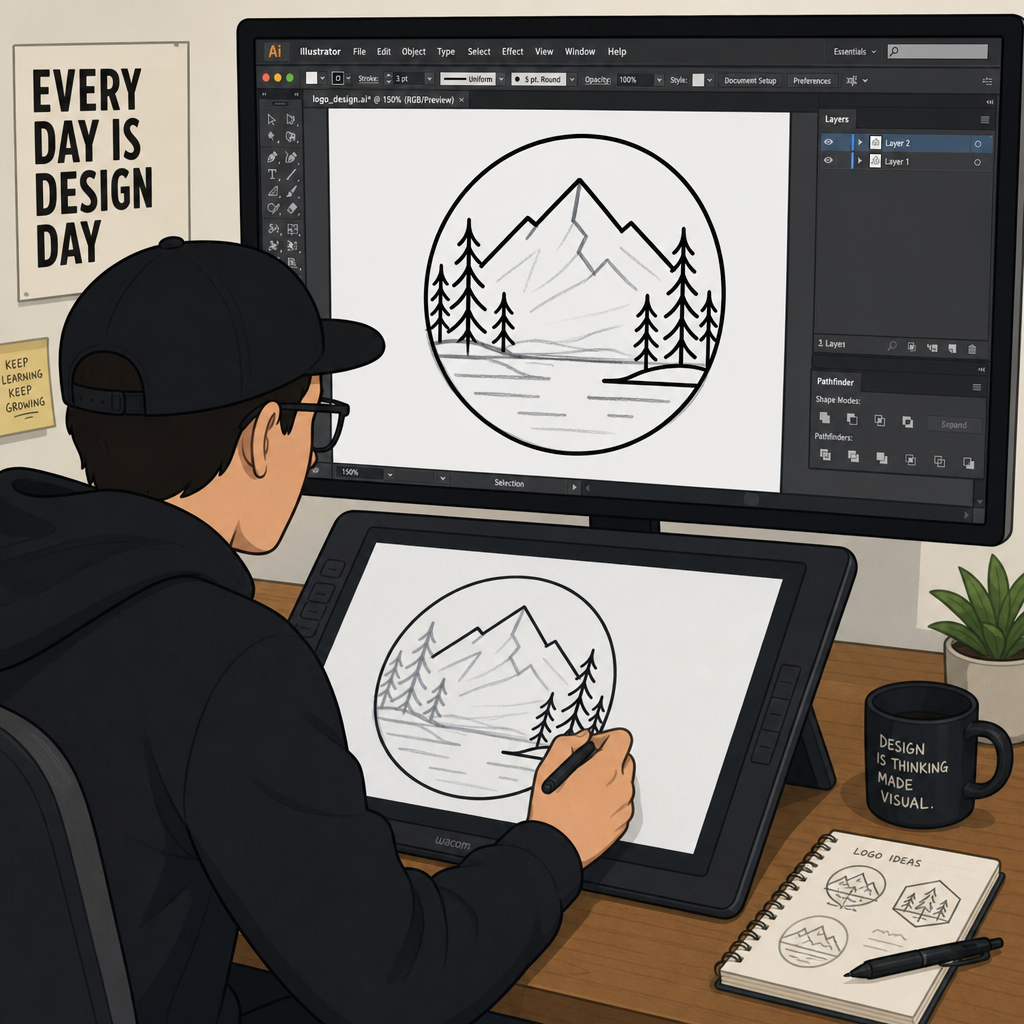
The marketing manager sends her company’s logo to a banner printer a week before a trade show. You get it back blurry and blocky, as it was a small PNG the size of a business card, which was never intended to be printed larger. She is not the only one; this happens all the time, typically at the last minute, when someone realizes they only have a low-resolution logo that they salvaged from a website that was built many years ago.
Vector artwork conversion Today’s digital world is built around formats such as JPEG and PNG, and they are just as acceptable for a mobile phone display or social media posting. When it comes time to use them to scale a billboard, a vinyl decal, or a screen-printed shirt, they simply don’t work. That’s where a vector artwork conversion service comes in handy.
This guide explains what vectors are, when they really need to be converted to something larger, and when you just need to enlarge it, or what can be done to differentiate an autotrace you did in a hurry from a file a professional printer can use.
Raster vs. Vector – The reason why your Logo looks blurry when enlarged:
Digital images are of two types, and knowing the difference is the key to virtually every printing woe of people.
Raster images contain JPEG, PNG, GIF, and TIFF images, and are made up of a set number of different coloured squares called pixels. Consider a mosaic; pretty up close, and when you get close or go too far. Take a look at a mosaic, pretty up close, but when you’re close or take it too far, the individual pieces start to display. Stretch a 300-pixel web logo to fit a 10-foot trade show banner, and the computer has no new information to add—it merely distorts the limited number of pixels into a blurry, jagged mess.
Vector artwork conversion graphics skip pixels entirely. They’re built from points, lines, and curves defined by mathematical equations, which makes them resolution-independent. A vector logo printed on a business card and the same file printed across the side of a delivery van use the exact same math; the computer just recalculates the coordinates at whatever size you need. The edges stay razor-sharp regardless of scale.
Raster vs. vector graphics
Factor | Raster (JPEG, PNG, GIF) | Vector (AI, EPS, SVG) |
Built from | Fixed pixel grid | Mathematical points and curves |
Scaling | Loses quality, gets blurry | Stays sharp at any size |
Best for | Photos, web images, social posts | Logos, print, signage, engraving |
File size at large scale | Grows massively | Stays small |
Editable text/shapes | No, unless recreated | Yes, fully editable |
What a Vector Artwork Conversion Service Actually Does
A vector artwork conversion service takes an existing raster image a blurry JPEG, a scanned sketch, a pixelated logo pulled from an old website and rebuilds it as a scalable vector file. It’s not a filter or a one-click export. A designer studies the original, identifies the fonts and shapes, and reconstructs the whole thing using paths instead of pixels.
That reconstruction is where the real value sits. A file that looks identical to the original at small size but holds up perfectly at 20 feet wide isn’t something software guesses at correctly on its own at least not yet.
Manual Redrawing vs. AutoTrace: Why It Matters
Most vector software includes an autotrace feature, and it’s tempting to assume that solves the problem for free. Vector artwork conversion It works reasonably well on simple, high-contrast, black-and-white shapes. It usually falls apart on anything more complicated: gradients, fine detail, low-resolution source files, or any text at all. In practice, most “quick” autotrace jobs end up needing almost as much manual cleanup as starting from scratch would have.
Autotrace vs. manual redrawing
Result | AutoTrace | Manual Redrawing |
Line accuracy | Wavy, distorted curves | Clean, geometrically precise |
Corners | Often rounded when they shouldn’t be | Sharp where the original was sharp |
Anchor points | Excessive, bloats file size | Minimal, optimized |
Text handling | Outlines pixels, often illegible | Retyped in the actual font |
Editability | Poor, hard to modify later | Organized layers, easy to edit |
Using a human designer to redraw your logo will ensure that the real letter shape is used rather than tracing blurry letter shapes, that circles are actually circles and not lumpy and that the elements are grouped so that the file will remain editable in the future. The difference will be seen right away the first time a user must resize or recolor the file.
When You Actually Need Vectorization
A few situations come up again and again as the reason people finally get their artwork converted.
Lost brand assets come up more than people expect. A logo gets designed once, the source files vanish when a freelancer moves on or a hard drive dies, and years later a company has nothing left but a small PNG pulled from their own website header. Vectorization is really the only realistic way back from that.
Then there’s large format printing: billboards, vehicle wraps, trade show backdrops. Nobody wants their company name looking fuzzy from across a parking lot, and a file that looked perfectly fine on a laptop screen often isn’t remotely ready for a 12-foot banner without conversion first.
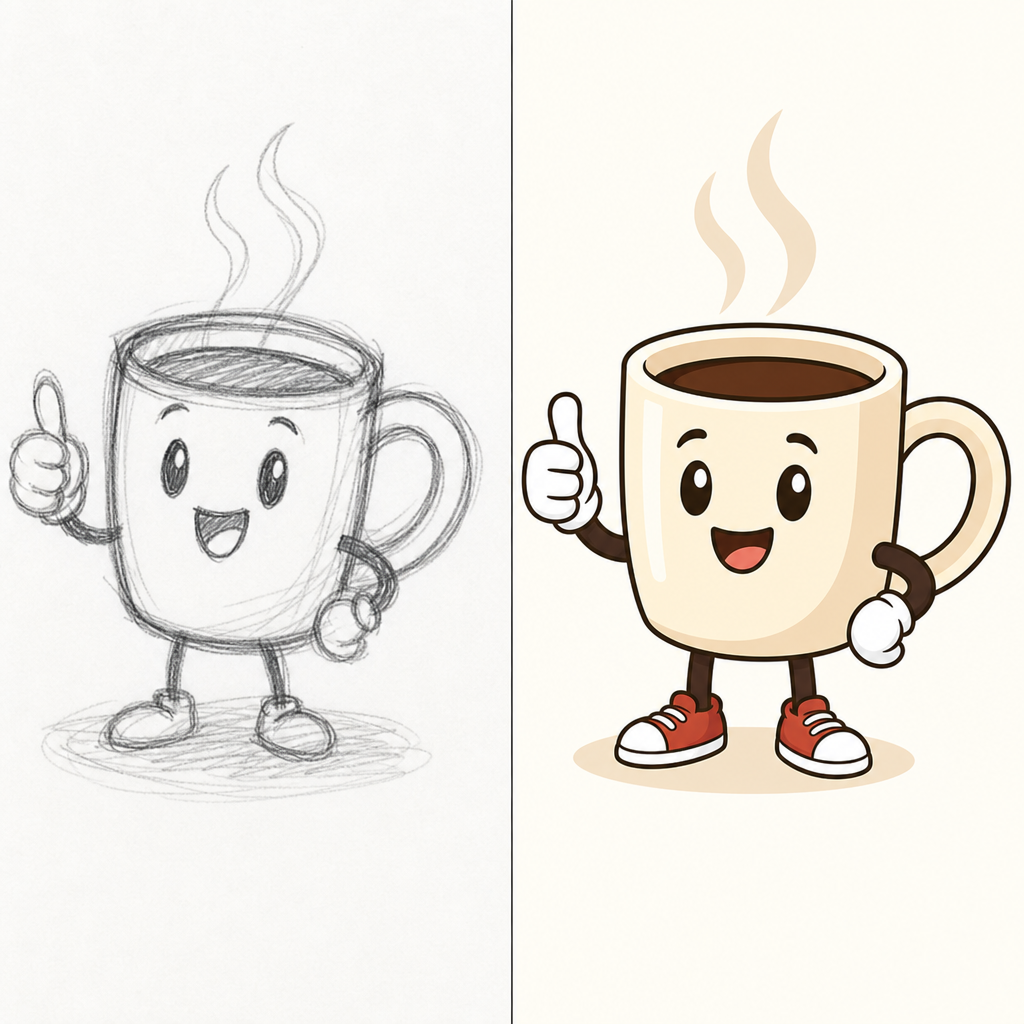
Sketches are the third common trigger, and maybe the most fun one. A hand-drawn concept on paper can’t be sent straight to a manufacturer as-is. Once it’s vectorized, though, that same drawing can be engraved into wood, printed on fabric, or animated cleanly for a website, none of which a scanned pencil sketch can do on its own.
What Print and Signage Industries Actually Require
The print world is far less forgiving than a screen. Raster images generally need to hit 300 DPI at actual print size just to look decent, and even then, fine detail like small text or logo edges often needs vectorizing separately to guarantee sharpness regardless of the printer’s specific output settings.
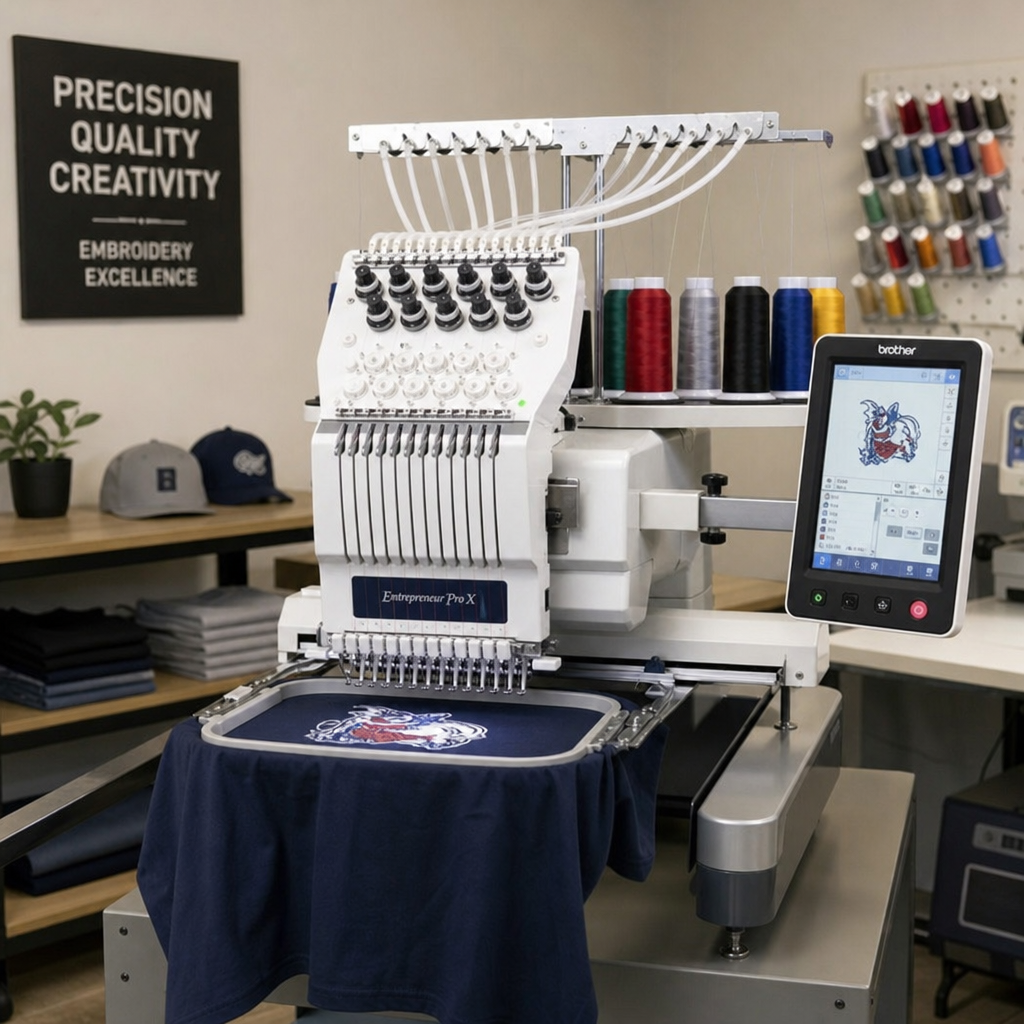
Vector artwork conversion Screen printing adds another layer of complexity most people don’t expect. Unlike a home inkjet spraying blended colors at once, a screen printer burns a physical stencil for every individual color in a design. That means continuous tones and gradients have to become solid, clearly separated color blocks mapped to specific Pantone values something a pixelated JPEG genuinely can’t do without a lot of manual guesswork.
Vinyl cutting and laser engraving remove ink from the equation entirely. A cutting blade or laser doesn’t understand pixels it follows coordinate paths, full stop. Those paths also have to be clean: closed shapes, no overlapping lines, nothing hidden underneath another element, or the cutter shreds the material trying to follow a path that doesn’t actually exist as drawn.
Vector artwork conversion File Formats Explained
Once a file is converted, it typically gets delivered in several formats, and knowing what each one is for saves a lot of back-and-forth with vendors later.
Common vector file formats
Format | Best For | Notes |
.EPS | Commercial printing | The longstanding print industry standard, compatible across nearly all design software |
.SVG | Websites, web icons | XML-based, renders instantly in browsers, tiny file size |
.AI | Editing and archiving | Adobe Illustrator’s native format, keeps layers and live text intact |
General sharing | Viewable by anyone, but still holds scalable vector data underneath |
EPS remains what most sign shops and commercial printers ask for by default. SVG dominates the web because browsers render it natively without any conversion step. AI is the master file your design team should keep locked away for future edits, and PDF works as a flexible middle ground anyone can open.
What Happens During a Professional Vector artwork conversion
The process generally follows the same arc regardless of provider, though the amount of manual work varies a lot depending on complexity.
A designer first reviews the source file, checking color count, typography, and intended final use, since a file headed for a laser cutter needs different handling than one headed for a website. From there, they lock the raster image on a background layer and trace it by hand using bezier curves, plotting anchor points along the actual outlines rather than letting software guess.
Text gets special treatment. Tracing blurry letters directly usually introduces inconsistent weight and spacing, so a good designer instead identifies the original typeface and retypes it cleanly as outlines. Colors get mapped to solid Pantone swatches where needed, and the file gets optimized, removing hidden or overlapping paths and keeping the anchor point count as low as it can go without losing shape accuracy. A final overlay check against the original catches anything that drifted before the file gets exported into whatever formats the client needs.
Protecting Your Investment: Managing Vector Files Long-Term
Plenty of businesses end up paying for the same vectorization twice, purely because of poor file management the first time around. It’s an easy mistake to make and an annoying one to repeat.
The fix is straightforward: keep a centralized brand folder on shared cloud storage, split it into a “web and office” section for JPEGs and PNGs versus a “professional printing” section for EPS, AI, and PDF files, and label which is which so nobody on the team has to guess. Never rename a JPEG to .eps and call it done; changing the file extension doesn’t turn pixels into paths, it just wraps a pixelated image in the wrong container. When sending files to a vendor, include the actual Pantone values alongside the vector files; it cuts out most of the back-and-forth that otherwise eats up a week of email.
Choosing the Right Vector Conversion Partner
Not every provider offering “vector conversion” is doing the same level of work, and the cheap, fully automated options tend to show it.
Ask directly whether their process includes manual redrawing or relies entirely on autotrace software; if it’s the latter, that’s worth walking away from. A provider who understands your end use matters too: someone digitizing a file for a vinyl plotter should already know to deliver closed paths with no overlaps, without being told. Look for a provider who delivers a full format package (AI, EPS, PDF, SVG, plus a high-res PNG for everyday use) rather than a single file, and check their portfolio for sharp corners, smooth curves, and typography that matches the original exactly.
Final Thoughts
A blurry logo isn’t a design problem you can fix by exporting a bigger image it’s a format problem, and it only gets solved by converting to actual vector paths. Before your next print run, check what file format you’re sending: if it’s a JPEG or PNG headed anywhere beyond a screen, get it vectorized first rather than finding out it’s a problem the week of your deadline.
FAQs
What is a vector artwork conversion service?
A design service that takes an existing raster image a JPEG, PNG, or scanned sketch and rebuilds it as a scalable vector file using mathematical paths instead of pixels. That’s what lets it resize without losing quality.
Why does my logo look blurry when I enlarge it?
Raster images are built from a fixed number of pixels. Stretch the image, and those same pixels just spread further apart; that’s the blur. Vector files sidestep this entirely since they’re not pixel-based to begin with.
Can't I just use an autotrace tool instead of paying for a service?
For simple, high-contrast shapes, sure. It usually struggles with gradients, fine detail, and text, and often produces distorted lines and bloated files that need manual cleanup anyway.
What file format do I need for professional printing?
EPS, most of the time. Plenty of providers deliver AI and PDF versions alongside it too.
Can a hand-drawn sketch be turned into a vector file?
Yes. It typically needs more manual redrawing than a clean digital logo would, since a designer has to interpret pencil lines and shading into clean paths rather than just tracing existing edges.